 CyberCode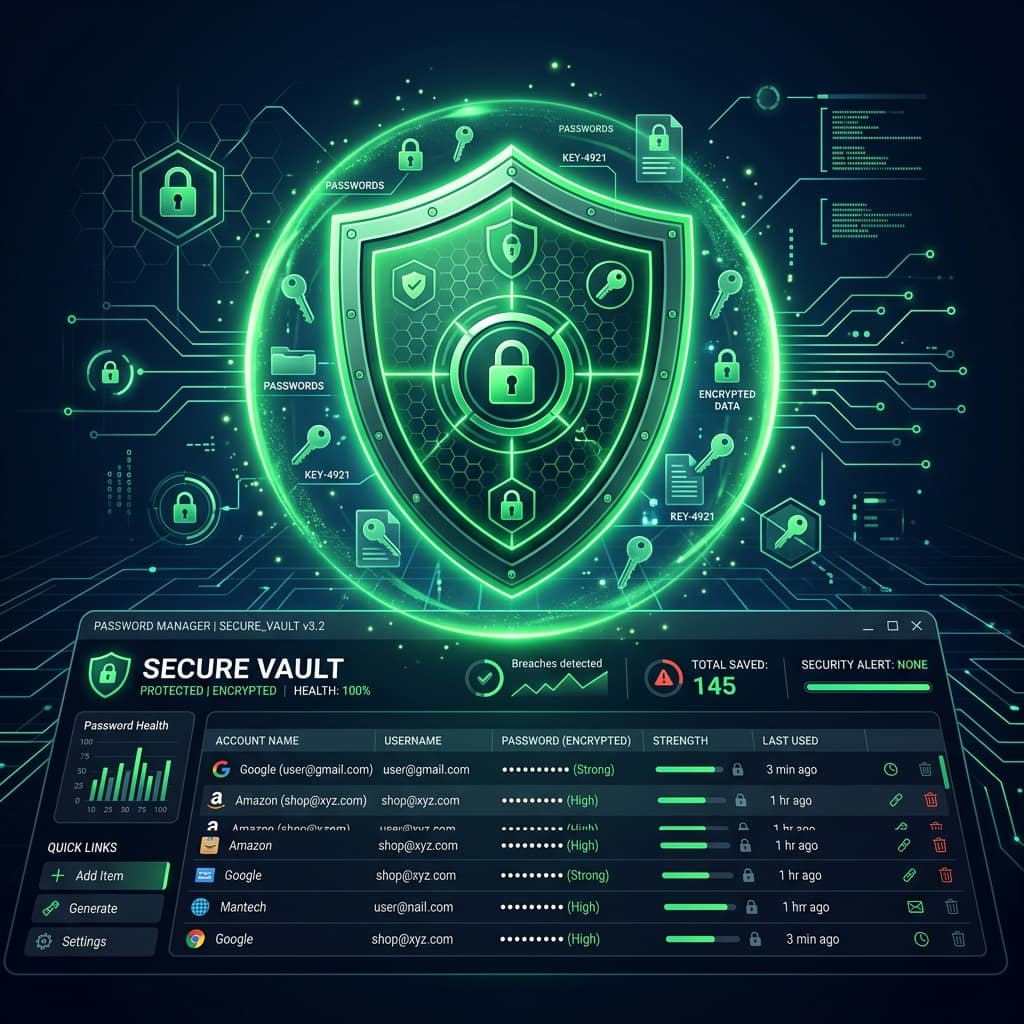
cybersecurity · Basic · 2026-07-05
How to Use a Password Manager: A Complete Beginner's Guide
What a password manager is, how the encryption actually works, how to pick one, and a painless 30-minute migration plan — the single biggest security upgrade most people can make.
Security experts agree on very little, but on this they are unanimous: a password manager is the single biggest security upgrade available to a normal person. It solves the impossible task — a unique, strong password for every account — by remembering everything so you remember exactly one thing.
What a password manager actually does
It is an encrypted vault that stores every username and password, locked behind one master password. In practice it:
- Generates a long random password for each new account
- Auto-fills logins on the right site (and only the right site)
- Syncs across your phone, laptop and browser
- Alerts you when a saved password shows up in a breach
You stop knowing your passwords — and that is the point. A password you never knew can never be phished out of you, reused, or written on a sticky note.
How the encryption works (and why breaches don't doom you)
Serious managers use a zero-knowledge design. Your master password never leaves your device; instead it is fed through a slow key-derivation function (PBKDF2 or Argon2) to produce the key that encrypts your vault with AES-256 — locally. The company stores only the encrypted blob.
The consequence: if the company is breached, attackers get ciphertext. Without your master password there is no key, and the derivation function makes guessing deliberately expensive. Your master password is the whole wall — which is why it deserves special care.
Choosing your master password
The one password you must remember should be a passphrase: 4-6 random common words.
- Good:
brick-orbit-salmon-glove-tide(~65 bits, typeable, memorable) - Bad:
Faisal1990!(personal, pattern-based), any song lyric or quote (in every cracking wordlist)
Write it on paper once and store it somewhere genuinely safe at home until it is burned into memory — a week of typing does that. Then destroy the paper. And check the phrase's components were never leaked with our Password Leak Checker.
Choosing a manager
Any reputable option beats none. Evaluate on:
| Criterion | What to look for |
|---|---|
| Security model | Zero-knowledge, AES-256, public security audits |
| Platforms | Your phone + your browsers, with autofill |
| Breach monitoring | Alerts when saved logins appear in dumps |
| Price | Excellent free tiers exist; paid adds sharing/2FA storage |
| Export | You can leave with your data — no lock-in |
Free, open-source and audited options exist alongside polished commercial ones — the specific brand matters far less than actually using one.
The painless migration plan
Do not try to move a decade of accounts in one sitting — that is how people give up.
- Day 1 (15 min): Install the manager + browser extension + phone app. Set your master passphrase. Enable 2FA on the manager itself.
- Day 1 (15 min): Move just your top five: email first (it resets everything else), then banking, then your main socials. For each: log in, let the manager save it, then generate a new 20+ character replacement with our Password Generator or the manager's own.
- Ongoing: Every time you log into anything, let the manager capture it and upgrade the password if it is weak or reused. Within a month, your active accounts are migrated without a single dedicated session.
The two myths that stop people
"One place for everything is a single point of failure." Compared to what? Reusing three passwords across forty sites is forty points of failure, each outside your control. The vault is the strongest link in the chain, not the weakest — provided the master passphrase is strong and the manager has 2FA.
"I have a system — my own patterns." Patterns (Gmail!2026, Amaz0n!2026) are exactly what cracking software models. One leaked password exposes your whole scheme. See the math behind password strength for why randomness is non-negotiable.
Practice exercises
The whole set takes about 30 minutes and completes your actual migration start.
Exercise 1 (10 min): Create your master passphrase now: pick 5 words by opening a dictionary (or any book) at random pages — not words you thought of, which are never truly random. Type it 10 times in a text editor to build muscle memory, then delete the file.
Exercise 2 (10 min): Install a password manager (browser extension + phone app), set the passphrase, and enable 2FA on the manager itself — the vault deserves the strongest lock you have. Save the recovery codes offline.
Exercise 3 (10 min): Migrate your email account: save the current login into the vault, then replace the password with a generated 20-character one. Email first, always — it is the reset key to everything else. If you have not yet, also enable 2FA on the email account using our 2FA guide.
Test yourself
Answer from memory first, then check yourself against the answer.
Q1If a password manager company gets hacked, are my passwords exposed?
With a zero-knowledge manager, no — your vault is encrypted on your device with a key derived from your master password, which the company never has. Attackers who steal the vault get ciphertext they cannot open without your master password. This is exactly why the master password must be strong.
Q2What makes a good master password?
A long passphrase of 4-6 random words (like brick-orbit-salmon-glove-tide) — 60+ bits of entropy, yet memorable and typeable. It is the one password you must remember, so do not make it a quote, lyric or anything about you.
Q3Should I let my browser save passwords instead?
Browser managers are better than reuse, but dedicated managers add a stronger security model, cross-browser and cross-device support, secure sharing, breach alerts and encrypted notes. If the browser is all you will actually use, use it — the worst option is neither.